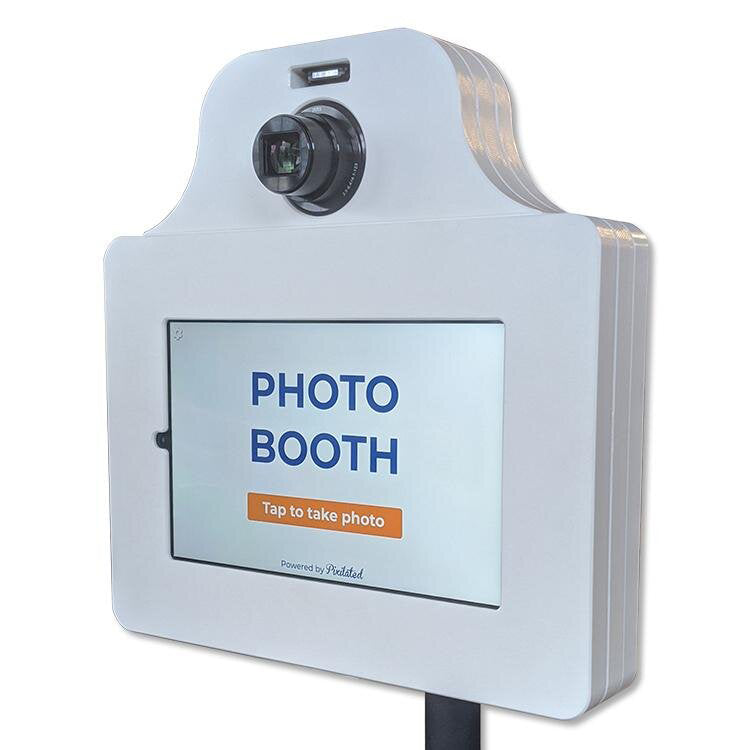
The Ultimate Guide to Setting Up a Photo Booth Station 2026
Pixilated Photo BoothCapture memories and create buzz at any event with a state-of-the-art photo booth station. Whether you are an event planner, business owner, or DIY enthusiast, this guide will walk you through every step needed to set up a professional photo booth station in 2026.
Discover how to select the right equipment, customize guest experiences, and maximize engagement with modern features. From initial planning to troubleshooting and exploring the latest trends, you will gain the confidence to plan, assemble, and operate your own photo booth station. Get ready for practical tips, expert insights, and actionable steps that make every event unforgettable.
Understanding Modern Photo Booth Stations in 2026
Modern event experiences are being transformed by the evolution of the photo booth station. What started as bulky analog machines in shopping malls has rapidly evolved into sleek, digital marvels. Early booths required film and manual operation, but today's stations use touchscreens and AI to deliver seamless, interactive experiences. The shift toward self-service and DIY models has made photo booth station setups accessible for every event, from intimate gatherings to large-scale conferences. Companies like Snapbar and Pixilated now offer portable kiosks that fit into a compact footprint, making setup and teardown incredibly simple. Technology has enabled instant sharing, cloud storage, and real-time analytics, while the demand for interactive, branded content continues to surge. According to industry data, 80% of event planners now favor digital photo booth stations for their convenience and engagement value.
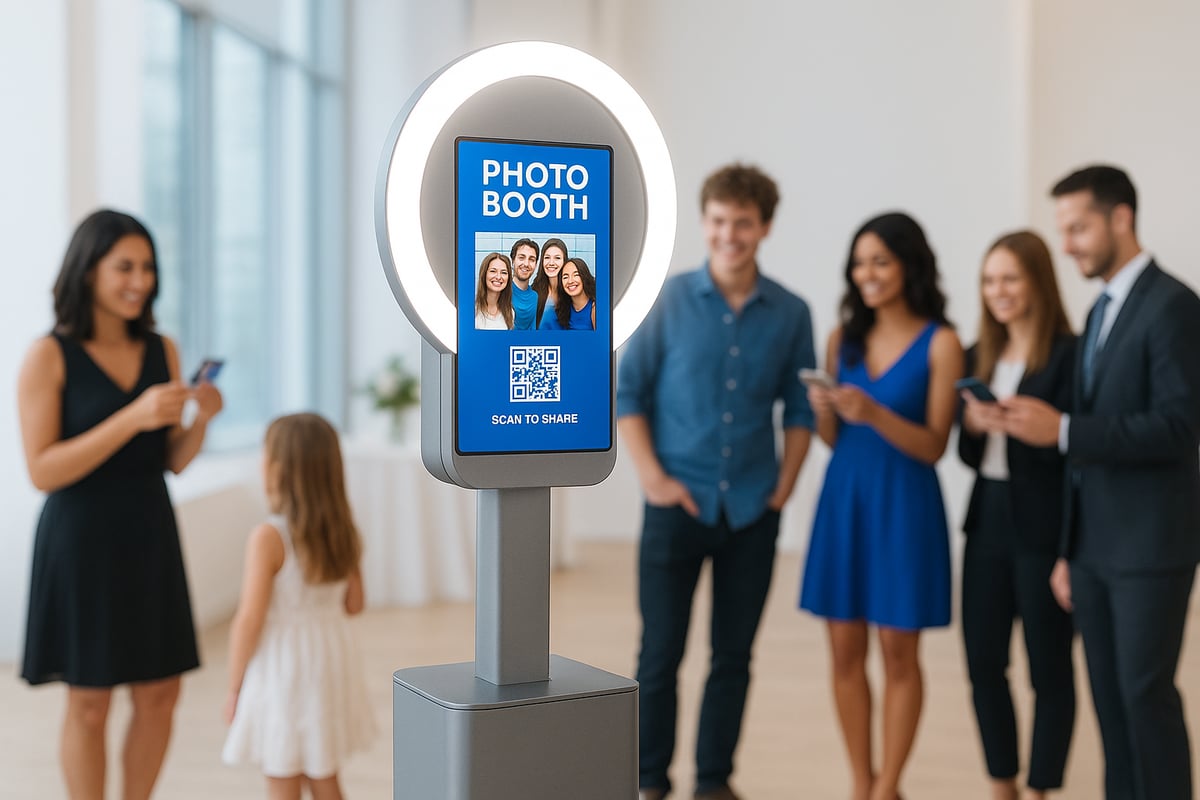
The Evolution of Photo Booths
The journey of the photo booth station reflects a blend of nostalgia and innovation. Traditional analog booths captured simple strip photos, but the digital revolution brought touchscreen controls and instant editing. The rise of portable, minimal-footprint kiosks has made it easier than ever to include a photo booth station at any venue. Snapbar’s Selfie Station and Pixilated’s DIY kits are prime examples of this shift, offering flexibility for both small parties and large events. Technology advancements have also enabled instant sharing to social media, cloud-based storage, and advanced analytics for event hosts. The demand for interactive and branded experiences at events has never been higher.
Key Features of a 2026 Photo Booth Station
A next-generation photo booth station is packed with features designed for user delight and business value. Touchscreen interfaces offer intuitive navigation, while high-resolution cameras and ring lighting ensure every shot looks professional. Digital overlays and custom branding options let hosts personalize the experience for their audience. AI enhancements such as smart filters, background removal, and group photo synthesis are now standard. For a deeper dive into how AI is shaping these capabilities, check out AI-Powered Filters and Virtual Backgrounds in Photo Booths. Seamless digital sharing via QR code, SMS, or email ensures guests can instantly access their memories. The compact, lightweight hardware makes transport and setup effortless, while built-in analytics and lead capture tools deliver data-driven results for businesses.
Types of Photo Booth Stations
There is a wide range of photo booth station models to suit different event needs. Self-service kiosks provide a hands-off, user-friendly approach, while traditional staffed booths offer guided experiences. Open-air designs encourage group participation, while enclosed booths create a sense of privacy. Mobile and portable units, many of which are battery-powered, allow for flexible placement even outdoors. Hybrid setups combine instant printing with digital sharing for a versatile guest experience. Specialized options, such as headshot booths, GIF/video booths, and AI-powered stations, cater to unique event goals. Use cases span weddings, corporate events, trade shows, and private celebrations, making the photo booth station a versatile addition to any occasion.
Why Photo Booths Remain Event Essentials
A photo booth station is more than a camera; it is a catalyst for engagement and memorable content. Guests are drawn to interactive experiences, leading to increased social sharing and user-generated content. For businesses, the photo booth station provides valuable attendee data and lead capture opportunities, directly boosting event ROI. Branded photos extend the reach of your event long after it ends. Case studies from Microsoft, Whole Foods, and Zillow highlight the ease and positive impact of using modern photo booth stations. According to an industry survey, 92% of guests use a photo booth station when available, underscoring its essential role in today’s event landscape.
Planning Your Photo Booth Station: Pre-Setup Essentials
Setting up a successful photo booth station begins long before event day. Careful planning ensures your booth fits your goals, delights guests, and operates smoothly. Let’s walk through the essentials to help you make informed decisions and avoid common pitfalls.
Defining Your Event Goals and Audience
Start by clarifying why you want a photo booth station at your event. Is your focus entertainment, marketing, lead capture, or simply fun for guests? Identifying your primary goal shapes every other decision you make.
Consider who will be using the booth. Are your guests corporate professionals, families, or a mix of ages? Tailoring the booth’s features and style to your audience ensures better engagement.
Think about the event type. A photo booth station for a wedding might focus on keepsake prints, while a corporate launch could prioritize branding and digital sharing. Estimate guest numbers to determine the right hardware and software capacity.
- Define the core purpose: fun, data capture, or brand awareness.
- Profile your audience for preferences and accessibility needs.
- Match booth features to event style and scale.
Careful alignment of goals and audience sets your photo booth station up for maximum impact.
Choosing the Right Location and Space
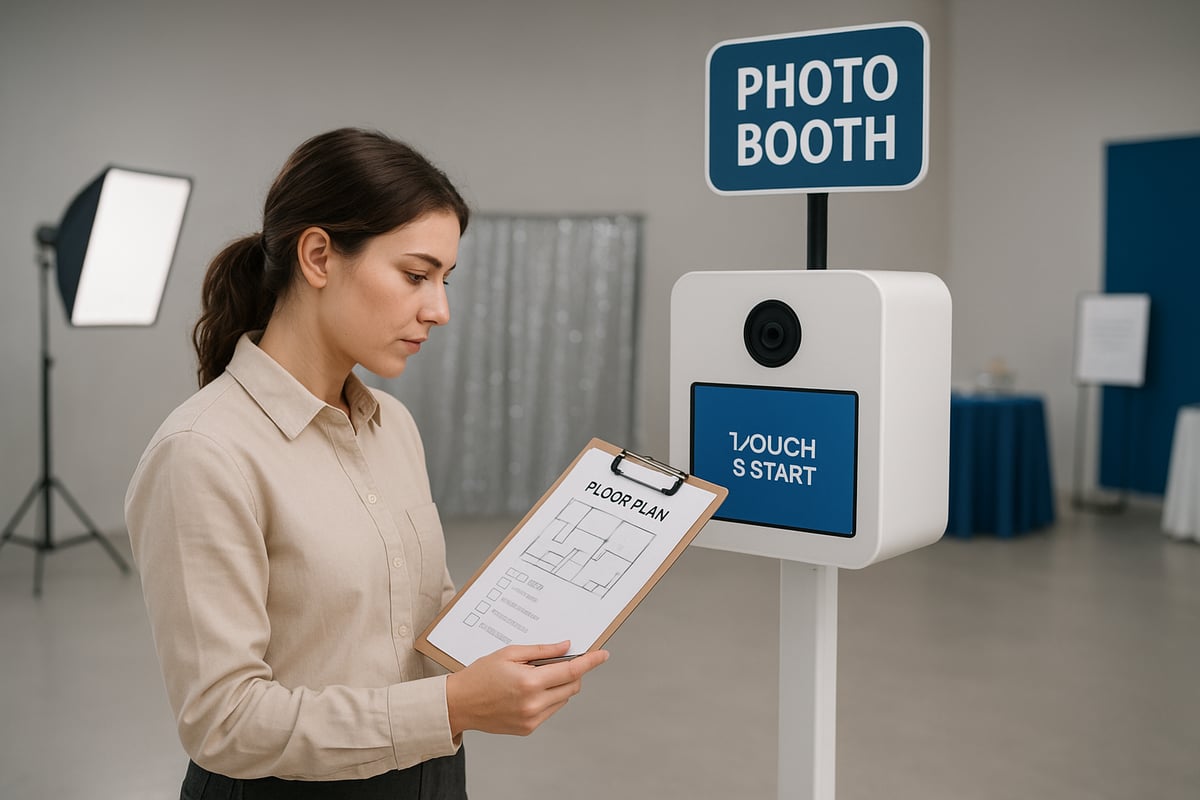
Location can make or break the success of your photo booth station. Select a spot with high visibility and easy access to encourage participation.
Assess the space requirements. Modern kiosks often need just a 2x2 foot footprint, but allow extra room for guests to queue and move comfortably. Avoid placing the booth in direct sunlight or near loud speakers to ensure quality photos and a pleasant experience.
Check for nearby power outlets and reliable Wi-Fi, both critical for digital sharing and booth operation. Ensure your setup is accessible to all attendees, including those with mobility aids.
- Prioritize high-traffic, visible spots.
- Confirm power and internet access.
- Ensure ADA compliance and smooth guest flow.
A well-chosen location keeps your photo booth station packed and your guests happy.
Budgeting for Your Photo Booth Station
Understanding the costs associated with a photo booth station helps you maximize value and avoid surprises. Break down your budget into hardware, rental or DIY kit fees, software subscriptions, and accessories.
| Option | Upfront Cost | Ongoing Cost | Best For |
|---|---|---|---|
| Purchase | High | Low | Frequent events |
| Rental | Moderate | None | One-off events |
| DIY Kit | Low | Varies | Budget-friendly |
Factor in expenses for custom branding, props, and backdrops. Compare the return on investment for buying versus renting if you plan to host multiple events.
- Evaluate purchase, rental, and DIY options.
- Plan for accessories like lighting and props.
- Include branding and customization in your budget.
Smart budgeting ensures your photo booth station delivers both fun and ROI.
Legal, Privacy, and Data Considerations
Photo booth station operation involves collecting images and sometimes personal data, so compliance is essential. Obtain clear consent from guests for photography and data use. Use visible signage to inform attendees about image capture and sharing.
Ensure your booth setup aligns with GDPR or CCPA regulations if you’re capturing leads or contact information. Many digital stations now include built-in consent screens for transparency.
If you plan to use the booth for marketing, review best practices for privacy and secure data storage. For more on how to leverage your photo booth station for effective and compliant lead capture, see Lead generation with photo booths.
- Use consent forms or screens.
- Display clear signage.
- Protect guest data and follow regulations.
Responsible data practices build trust and keep your photo booth station running smoothly.
Timeline and Logistics Planning
A seamless photo booth station experience depends on careful timing and organization. Order your hardware and software well in advance, accounting for shipping times and potential delays.
Schedule setup and teardown to fit your event timeline. Decide if you’ll need onsite staff or if the booth will be fully self-service. Some providers offer guaranteed delivery and remote support, making logistics more manageable.
Have a backup plan for technical issues, such as spare cables or a support contact. Preparation reduces stress and ensures your photo booth station is ready when guests arrive.
- Plan for shipping and delivery.
- Coordinate setup and teardown.
- Prepare for contingencies and technical support.
Thoughtful logistics keep your photo booth station on track and event-ready.
Selecting Photo Booth Hardware and Software
Choosing the right hardware and software is the backbone of any modern photo booth station. With so many options available in 2026, understanding what to look for ensures your booth delivers a seamless, memorable experience for every guest.
Essential Hardware Components
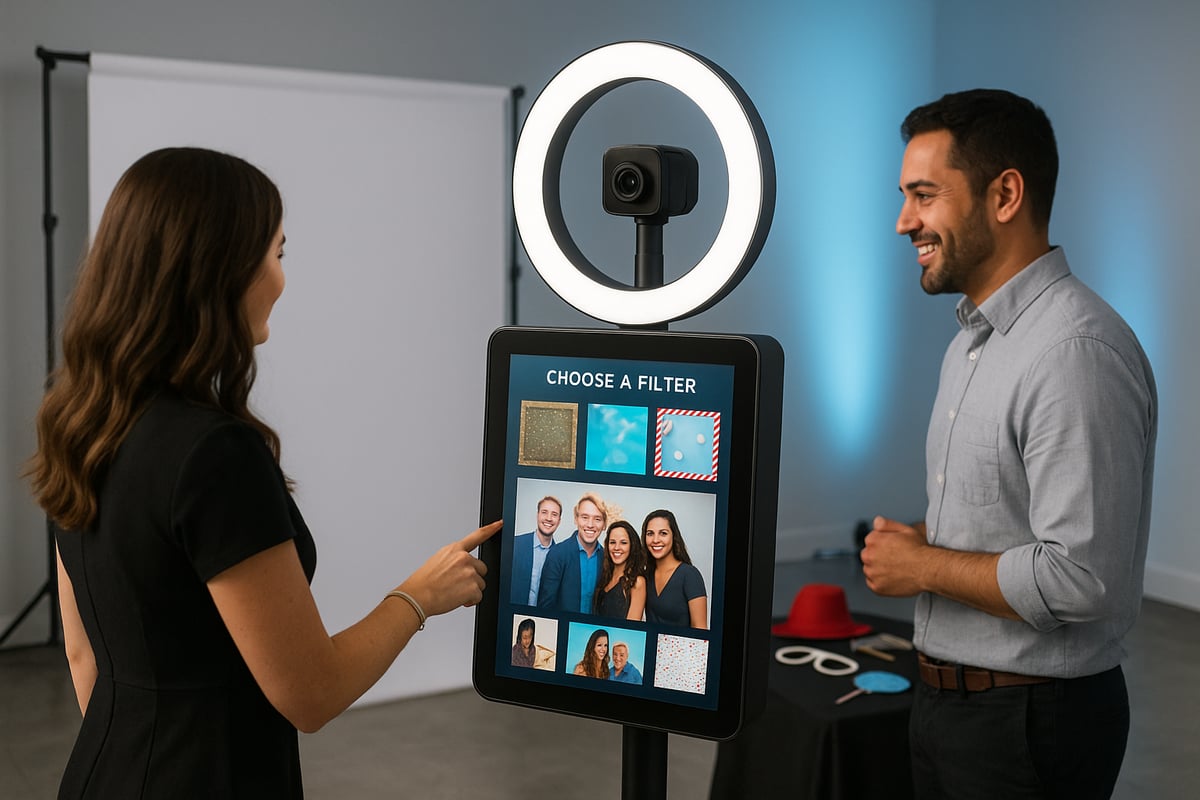
The foundation of a reliable photo booth station is robust, portable hardware. In 2026, most stations feature either a DSLR camera or a high-end tablet/smartphone camera. Touchscreen interfaces make operation intuitive for users of all ages.
Lighting is critical. Ring lights or LED panels provide even, flattering illumination, which enhances every photo. Stands and tripods offer stability, while lightweight enclosures improve portability for mobile events.
Consider power needs. Many photo booth station models now offer battery-powered operation, ideal for venues with limited outlets. Always check that your kit includes secure cases for transport and storage.
Hardware Comparison Table
| Component | Option 1: DSLR | Option 2: Tablet/Smartphone |
|---|---|---|
| Image Quality | Professional Grade | High-Res, Convenient |
| Interface | External Touchscreen | Built-In Touchscreen |
| Portability | Moderate | High |
| Power | Plug-In/Battery | Battery |
Must-Have Software Features
The software running your photo booth station defines the guest experience. Look for platforms with user-friendly interfaces and easy customization. Digital sharing is a must, with options for SMS, email, and QR code distribution.
AI-powered features are now standard. Smart filters, background removal, and auto-cropping help every guest look their best. Custom branding, overlays, and event themes create a personalized touch for each event.
Analytics tools let you track booth usage, engagement, and lead capture. Data can be exported for further marketing or event analysis. Make sure your software integrates seamlessly with your chosen hardware for a smooth setup.
Customization and Branding Options
Branding transforms a photo booth station from a simple attraction into a marketing powerhouse. Many companies offer branded wraps for kiosks, such as NovoWraps for Snapbar, allowing your booth to stand out visually.
Digital overlays and themed graphics provide endless possibilities for event personalization. Custom start screens and instructions can reinforce your brand message. Integration with event hashtags and social media makes content instantly shareable and amplifies your reach.
Corporate clients frequently use branded digital templates to maintain consistency across events. Whether for a product launch or a wedding, customization ensures your photo booth station fits the occasion perfectly.
Accessories and Add-Ons
Enhance your photo booth station with the right accessories. Backdrops range from green screens to printed themes and step-and-repeat banners. Props can be digital or physical, with trending themes updated regularly.
Instant printers add a tangible element to hybrid digital-physical experiences. For mobile events, sturdy carrying cases and storage solutions are essential. Accessibility add-ons, like height-adjustable stands, ensure everyone can participate comfortably.
Keep your accessories organized and regularly updated to match the event’s vibe and audience preferences.
Comparing Purchase, Rental, and DIY Options
Deciding whether to buy, rent, or use a DIY kit for your photo booth station depends on your event frequency and budget. Buying is ideal for frequent use and full customization, while renting suits one-off or occasional events, providing convenience and support.
DIY kits have surged in popularity, offering cost savings and easy setup. For creative inspiration, consider exploring 30 DIY photo booth ideas to customize your station and enhance guest interaction.
Rental services often include shipping, live support, and simple return logistics. Always compare the total cost and value, factoring in branding, accessories, and technical support, to make the best choice for your needs.
Step-by-Step Guide: Setting Up Your Photo Booth Station
Ready to turn your vision into a seamless, crowd-pleasing photo booth station? This step-by-step guide walks you through every phase, from unboxing to maximizing guest engagement. Whether you’re a first-time DIYer or an experienced event planner, you’ll find clear, actionable advice for setting up a professional-grade photo booth station with ease and confidence.
Unboxing and Assembling Your Booth
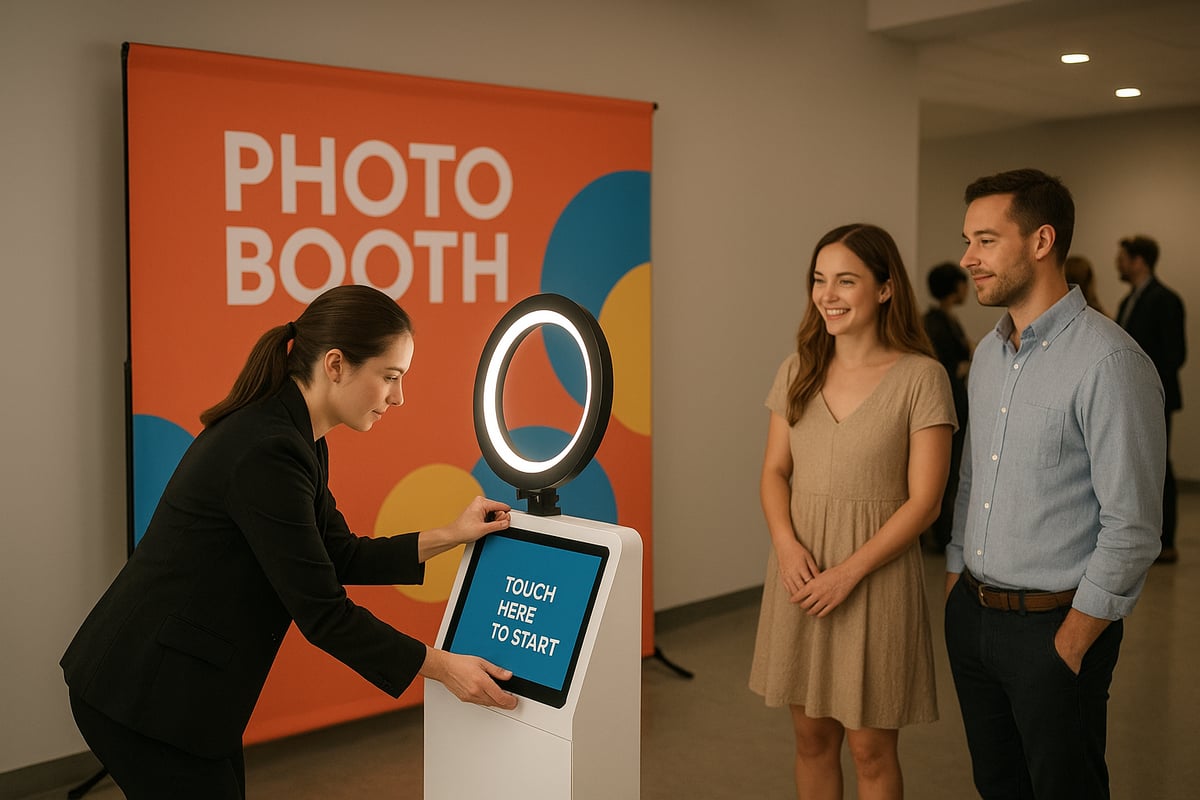
Begin by carefully unboxing your photo booth station components. Lay out the camera, touchscreen or tablet, lighting elements, stands, and cables. Reference the included checklist to verify that all parts have arrived.
Assembly is straightforward for most modern systems:
- Attach the stand or tripod securely.
- Mount the camera or tablet.
- Connect the ring light or LED panel.
- Ensure all connections are firm.
Prioritize stability and safety. Use cable covers to prevent tripping hazards. Once assembled, power up the photo booth station and confirm that all hardware components are functioning. This careful approach ensures a smooth start and minimizes setup issues.
Configuring Software and Customizations
Power on your photo booth station and launch the booth software. Start by inputting event details, uploading your logo, and selecting or designing digital overlays.
Customize the user interface for intuitive navigation. Set up sharing options, such as SMS, email, or QR code delivery. Activate AI features like smart filters or background removal for a modern touch.
Enable analytics and lead capture to collect valuable data. Adjust settings for group shots, photo effects, and branded start screens. Test each customization to ensure it aligns with your event goals. This tailored configuration elevates the guest experience and showcases your photo booth station’s full capabilities.
Testing Booth Functionality
Before opening your photo booth station to guests, perform a thorough test run. Simulate the entire user journey:
- Take a sample photo.
- Apply overlays and filters.
- Share via SMS or QR code.
- Complete any lead capture forms.
Check camera alignment and lighting quality. Confirm that the touchscreen responds smoothly. Troubleshoot any connectivity or image issues.
Review accessibility features, ensuring all guests can participate comfortably. Testing every aspect of your photo booth station helps guarantee flawless operation and a positive experience for everyone on event day.
Setting Up the Physical Space
Choose a prominent, accessible location for your photo booth station. Ensure there’s enough space for the booth, a backdrop, props, and guest queueing. A typical modern station fits within a 2x2’ footprint, but allow extra room for busy events.
Arrange lighting to avoid glare, and position signage with clear instructions. For an enhanced guest experience, consider customized photo booth backdrops that reflect your event’s theme. Set up props within easy reach and check that all equipment is stable.
This thoughtful arrangement ensures your photo booth station is both inviting and functional for all attendees.
Launching and Managing the Booth During the Event
Once your photo booth station is ready, launch it with a test shot and welcome your first guests. Assign a staff member or monitor remotely to oversee operations, assist users, and manage props.
Encourage guests to share their photos on social media using event hashtags. Regularly tidy the area and restock props to keep the space inviting.
Check analytics periodically to gauge engagement. Collect feedback from guests to identify what works well. Proactive booth management ensures your photo booth station operates smoothly and delivers lasting memories for everyone.
Troubleshooting and Support Tips
Even the best-planned photo booth station can encounter hiccups. Prepare for common issues:
- Power interruptions: Check outlets and battery levels.
- Connectivity drops: Reboot Wi-Fi or switch to mobile data.
- Software glitches: Restart the application or device.
Keep spare cables and a backup device on hand. Document any problems and their solutions for future reference. Many providers offer live chat or phone support during events.
A quick response minimizes downtime and maintains the professional image of your photo booth station. Troubleshooting skills are essential for a seamless guest experience.
Maximizing Guest Engagement and Content Quality
Boost participation at your photo booth station with creative strategies. Offer incentives such as contests, branded swag, or instant printouts. Encourage group photos and playful poses to spark excitement.
Highlight instant sharing features and display live slideshows or social media walls nearby. Collect testimonials or user-generated content for future marketing.
By fostering interaction and fun, you ensure your photo booth station becomes a centerpiece of the event. Engaged guests create memorable content, amplifying your event’s reach and impact.
Customizing Your Photo Booth Experience
Personalization is the key to making your photo booth station stand out in 2026. With endless creative options, you can craft a unique guest experience that matches your event’s theme, branding, and objectives. Explore how modern customization elevates both engagement and content quality.
Creative Backdrops and Props
A memorable photo booth station starts with an eye-catching backdrop and engaging props. In 2026, trends point toward futuristic, retro, and fully branded themes. You have the choice of DIY backdrops, such as custom banners or fabric, or premium printed options that reflect your event’s style.
Digital and augmented reality (AR) props are gaining popularity, allowing guests to select fun overlays without physical handling. For advanced customization, consider green screen backgrounds, which let users transport themselves anywhere virtually. For a deep dive into these possibilities, see the Ultimate guide to green screen booths. Always offer inclusive, accessible props—think adjustable heights and sensory-friendly options.
Digital Overlays, Filters, and AI Enhancements
Elevate your photo booth station with digital overlays, frames, and event-specific graphics. Popular styles include branded borders, event logos, and custom text banners. In 2026, AI-powered features take center stage, offering background swaps, smart filters, and instant group photo synthesis for both in-person and remote attendees.
Custom filter creation lets you infuse your branding into every photo, ensuring consistency across all guest images. The balance between playful effects and professional presentation is crucial, especially for corporate or formal settings. Test overlays in advance to ensure they complement your theme and enhance user experience.
Integrating Social Media and Live Displays
Maximize the reach of your photo booth station by integrating instant sharing options. Guests can send photos directly to Instagram, Facebook, X, or TikTok from the booth interface. QR codes and SMS sharing simplify access, making it easy for attendees to save and post their images.
Live slideshows and social media walls create buzz at the venue by showcasing real-time content. Encourage hashtag campaigns to drive engagement and extend your event’s digital footprint. These features turn every guest into a brand ambassador while amplifying your event’s visibility online.
Data Capture, Analytics, and Lead Generation
A modern photo booth station does more than capture images—it gathers valuable data. Set up lead capture forms and opt-in screens to collect attendee names, emails, or survey responses. Track booth usage metrics, such as photo counts and sharing rates, to gauge engagement levels.
All data collection must be privacy-compliant, with clear consent and secure storage protocols. Post-event, export analytics to inform your marketing strategies or report event ROI to stakeholders. Using these insights, you can refine future experiences and maximize the value of your photo booth station.
Future Trends and Innovations in Photo Booth Stations
The landscape of the photo booth station is rapidly evolving. As technology propels forward, event organizers and businesses are looking for ways to make every photo booth station more interactive, efficient, and impactful. Let us explore the trends set to define the future of photo booth stations.
AI and Automation in Photo Booths
Artificial intelligence is revolutionizing the photo booth station. In 2026, AI-driven features like automatic group photo synthesis, smart cropping, and facial recognition are standard. These enhancements allow the photo booth station to deliver flawless images, no matter the lighting or crowd size.
Modern booths now offer automated content moderation and privacy settings. Voice-activated and touchless operation mean guests can interact with the photo booth station without touching any surfaces, supporting hygiene and accessibility. For those interested in technical advancements, the ID-Booth: Identity-Consistent Face Generation with Diffusion Models paper explores how AI can generate consistent facial images for even more personalized experiences.
These innovations make the photo booth station faster, more inclusive, and capable of handling higher guest volumes with minimal supervision.
Hybrid and Virtual Photo Experiences
Hybrid events are here to stay, and so is the hybrid photo booth station. Physical booths are now paired with virtual participation tools, letting remote guests join in real time. Digital avatars and augmented reality effects let users personalize their photos from anywhere.
Cloud-based galleries and instant sharing options make every photo booth station a hub for both in-person and online interaction. Virtual headshot booths are especially popular for remote teams, offering professional images without the need for physical presence.
These hybrid experiences expand the reach of the photo booth station and ensure every attendee feels included, no matter where they are.
Sustainable and Eco-Friendly Booth Solutions
Environmental responsibility is a top priority for the modern photo booth station. Manufacturers are prioritizing energy-efficient components and battery-powered setups to reduce carbon footprints. Digital-only booths eliminate the need for paper and ink, while modular hardware designs allow for easy reuse and reconfiguration.
Sustainable packaging and shipping practices are becoming industry standards, with companies like Pixilated leading the way in portable, cordless, and minimal-footprint booth designs.
These green innovations not only help the planet but also appeal to eco-conscious event planners and attendees.
Expanding Use Cases and Business Models
The versatility of the photo booth station is driving new business models and market growth. Photo booths are now central to marketing activations, brand launches, and experiential campaigns. Rentals and branded activations provide recurring revenue for businesses.
Integration with event apps and attendee tracking tools makes it easy to gather valuable insights. The market for photo booth stations is expanding into sectors like education, healthcare, and retail. According to the Photo Booth Market Size Forecast & Insights to 2035, industry growth is set to accelerate as more businesses recognize the value of interactive experiences.
With 65% of businesses reporting increased engagement through a photo booth station, the future is bright for this essential event tool.
Now that you know exactly how to plan, set up, and personalize a professional photo booth station, you’re ready to create unforgettable moments at your next event. With modern, DIY options like Pixilated’s kits, you don’t need technical expertise or a big budget to deliver high quality, interactive experiences that guests will love. Whether you’re organizing a corporate function, wedding, or private celebration, you can confidently bring your vision to life and make your event truly stand out. If you’re ready to take the next step and put these insights into action, Book Now.
Article written using RankPill.